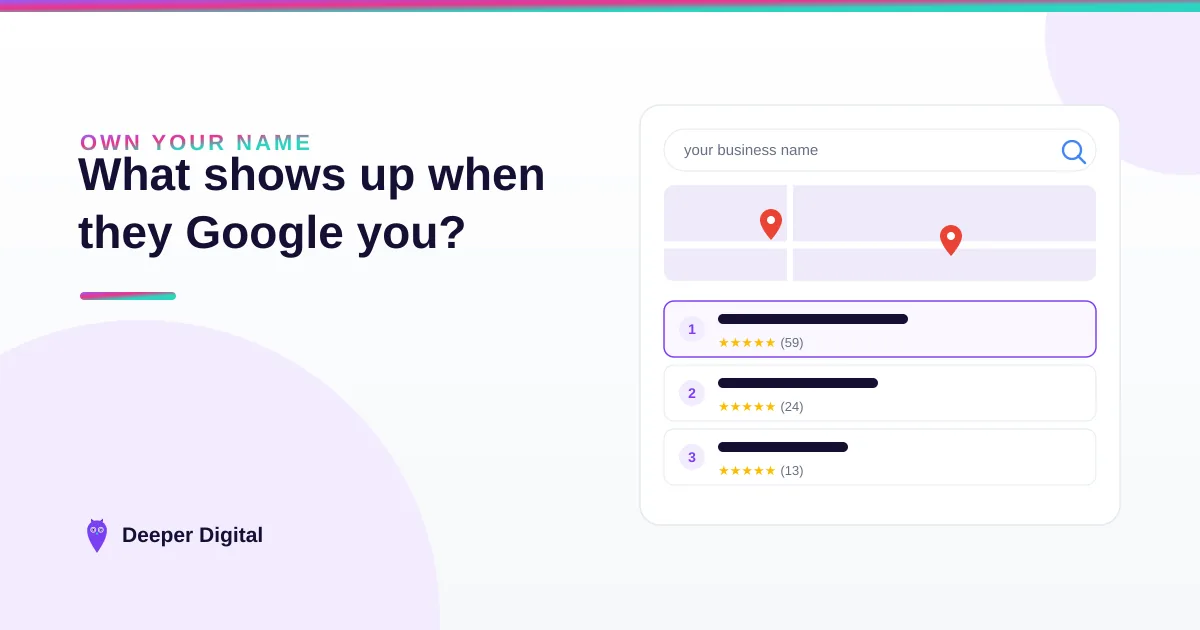
Seven things typically show up when someone Googles your business name: your profile panel, your rating and reviews, your photos, your website link, your Q&A section, third-party mentions, and — increasingly — an AI summary. Someone hears about you at a backyard barbecue, and the next thing they do is Google your business name.
That brand search happens after every referral, every yard sign, every Instagram post — and the first screen decides whether the phone rings. Here’s what’s on it, and how to own every piece.
What appears when someone Googles my business name?
Seven things, typically: your Google Business Profile (the big panel), your star rating and review count, your photos, your website link, your Q&A section, third-party sites that mention you, and — more and more — an AI-generated summary. Google assembles this page automatically from sources you can influence, ranked on the signals Google describes in its local-ranking guidance.
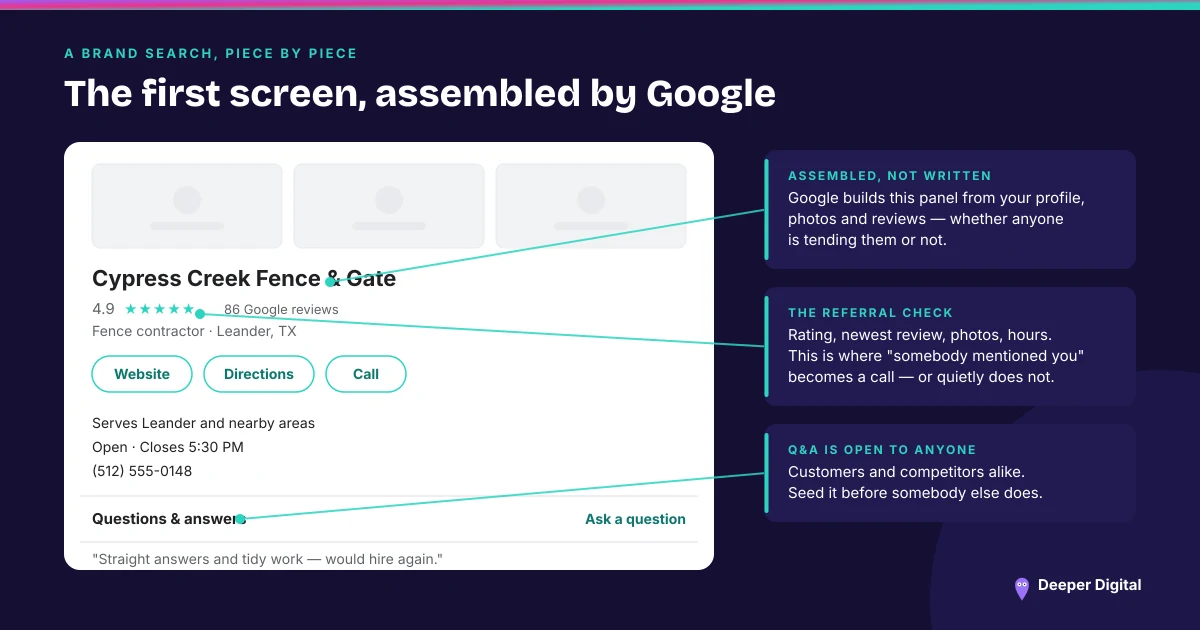
The uncomfortable part: this page exists whether you built it or not. An unclaimed profile, three old reviews, and a competitor’s ad above your name is still your first screen. And it’s not just customers looking — if you ever sell the business, buyers judge this exact screen too.
Why do people Google a business they were already referred to?
To check — a referral gets you considered; the brand search decides.
Before calling, people confirm you’re real, scan your rating, read your newest review, and look at your photos. If the screen looks abandoned — no photos, unanswered reviews, wrong hours — a warm lead goes cold, and you never know it happened.
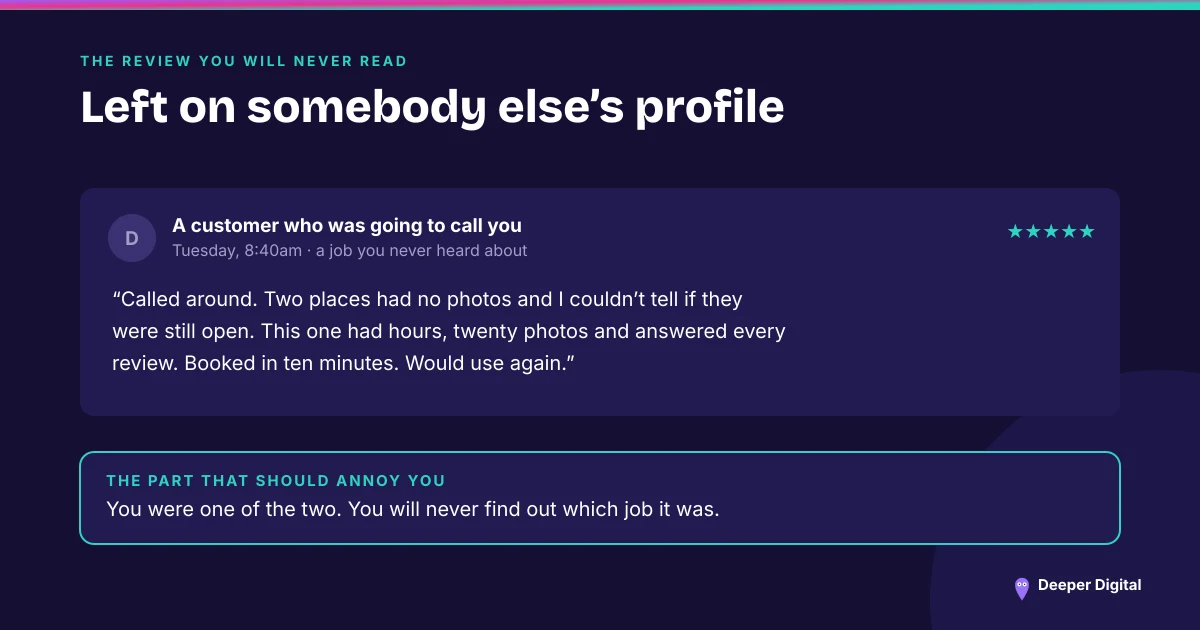
This is also where AI joined the game: ask ChatGPT or Gemini about a local business by name and the answer is built from this same public record — your reviews included.
How do I control each piece of that first screen?
Work top to bottom:
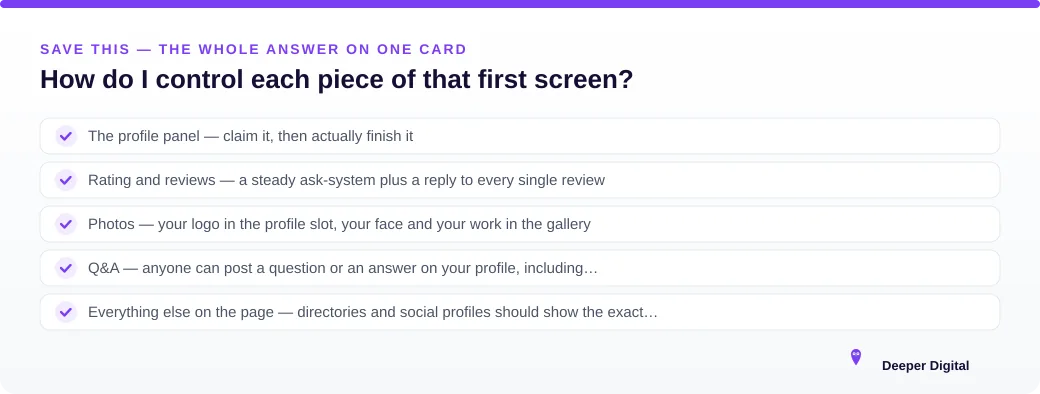
- The profile panel — claim it, then actually finish it: every field, every service area, real hours. Run the 15-minute profile checklist.
- Rating and reviews — a steady ask-system plus a reply to every single review. The count matters less than the recency and the replies — here’s the honest review system.
- Photos — your logo in the profile slot, your face and your work in the gallery. Google’s own guidance is specific about which photo goes where.
- Q&A — anyone can post a question or an answer on your profile, including competitors. Seed it yourself first.
- Everything else on the page — directories and social profiles should show the exact same name and phone. NAP consistency is boring and it works.
Can I remove bad results from my brand search?
Rarely — but you can outweigh them. Google shows the strongest, freshest material first: a complete profile, recent replied-to reviews, new photos, an active site.
Most bad first screens aren’t sabotage; they’re neglect. Feed Google better material and the page reorganizes around it.
Try it now: Google your own business name and count what’s missing. That gap is exactly what a free game plan maps out. And if you’d rather the profile, the photos, the replies and the Q&A were somebody else’s job every month, that’s the plan.
 NASP
NASP  Wild Foods Co.
  Noble Origins
  Cowboy Pools
  BT Biltong