Anyone can ask — and answer — questions on your Google Business Profile. That includes competitors, cranky ex-customers, and well-meaning strangers who get it wrong, which is why most owners only discover the feature when it bites them.
The fix is simple: seed the section yourself, first. It was the first thing we did on our own profile, before a single photo or post went up.
What is the Q&A section on a Google Business Profile?
The Q&A section is a public questions-and-answers box on your profile. Anyone with a Google account can post a question, and anyone can answer it — you, or the public. The answer with the most upvotes shows first, which means you don’t fully control what people see unless you get there first.
Why should I add my own questions and answers?
Two reasons. First, it stops the vacuum: if you don’t seed it, the first thing people see might be a competitor’s leading question or a wrong answer from a stranger.
Second, it’s free profile content that answers real buying objections right at the moment someone’s deciding. A good Q&A section closes doubts before they become a reason to call someone else.
What questions should I seed?
The five questions customers actually ask you on the phone. Not marketing fluff — the real ones. For most service businesses that’s some version of:
- Do you service my area?
- How much does it cost / how do you price?
- Are you licensed and insured?
- How soon can you come out?
- What exactly is included?
Post each as a question from one account, then answer it from your business account in 40 to 60 words, plainly and honestly.
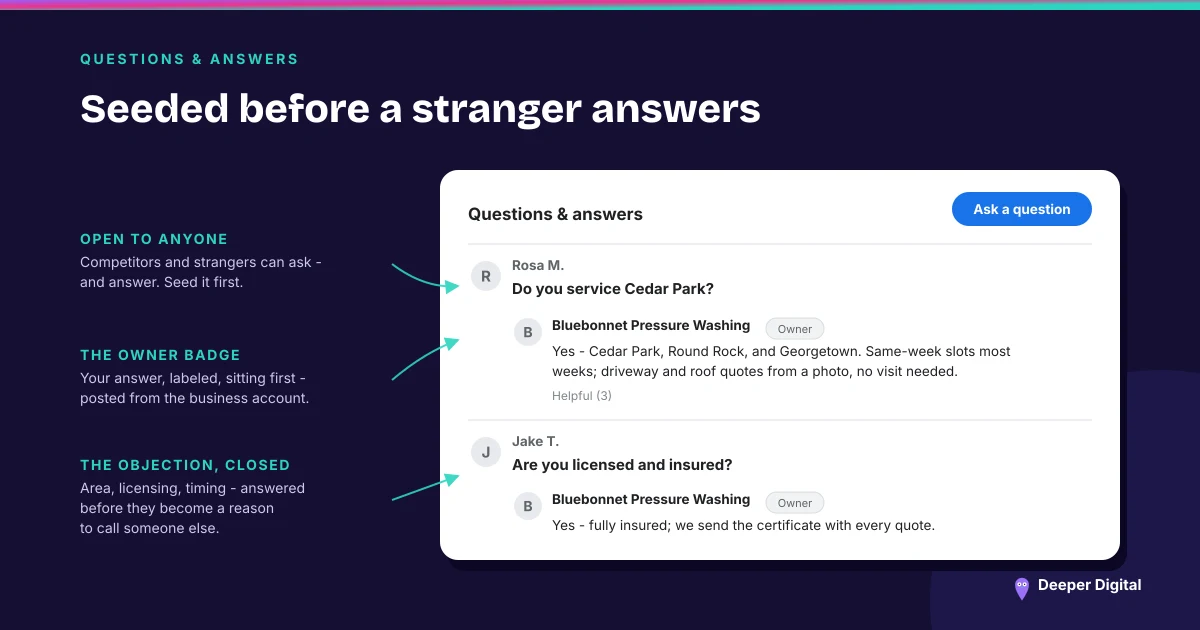
Can I answer questions on my own profile?
Yes, and you should. Google lets the business owner post answers, and owner answers carry a label.
Ask a friend or use a second Google account to post the question, then answer it as the business. It’s allowed and it’s expected — Google built the feature for exactly this.
How do I stay on top of new questions?
Turn on notifications for your profile and check weekly. When a real customer posts a question, answer it within a day — a fast, helpful answer is a trust signal to the next person reading. When someone posts a wrong or bad-faith answer, post the correct one and report the offending one — Google’s prohibited and restricted content policy covers Q&A content too, so genuinely abusive or fake posts can be removed.
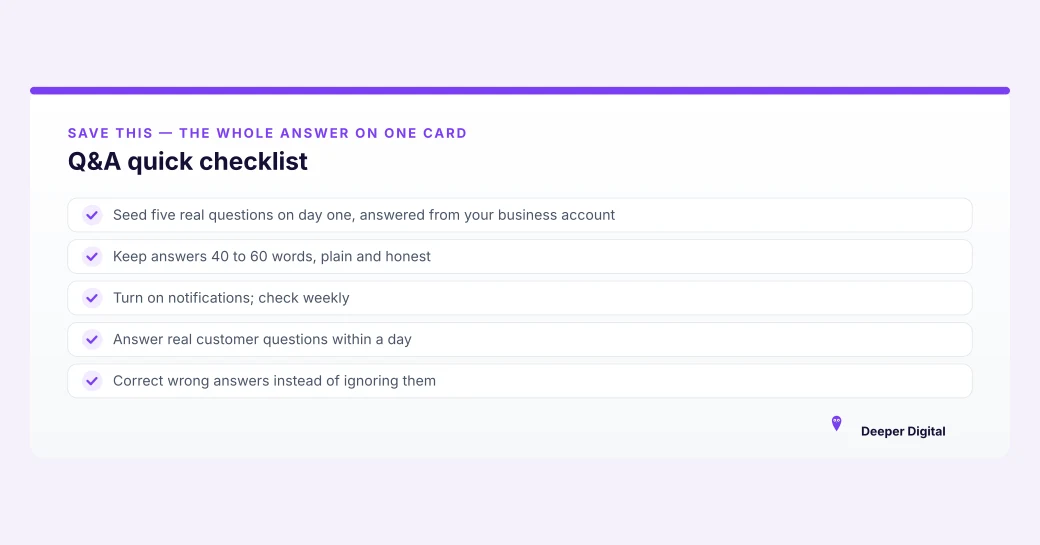
Q&A quick checklist
Owning your Q&A section takes five habits: seed it first, keep answers short, and never let a wrong answer stand:
- Seed five real questions on day one, answered from your business account
- Keep answers 40 to 60 words, plain and honest
- Turn on notifications; check weekly
- Answer real customer questions within a day
- Correct wrong answers instead of ignoring them
The Q&A section is one line on the full profile checklist — run the whole 15-minute checklist to see what else is open. Seeding it well also pairs with a steady review system, since both are about controlling what people read before they call.
Seeding the Q&A and watching it for new posts is part of managing the profile, which is what every plan does. Want us to read yours first? Free game plan here — no card required.
 NASP
NASP  Wild Foods Co.
  Noble Origins
  Cowboy Pools
  BT Biltong