Google ranks the map pack on three things — relevance, distance, and prominence — and you can influence all three. Most “how to rank on Google Maps” advice is 40 bullet points in no particular order, written by someone who has never had to do any of it on a Tuesday afternoon between jobs. Below are the seven levers that move the needle, in the order we pull them — starting with our own profile.
What actually decides Google Maps rankings?
Google uses three factors: relevance (does your profile match the search?), distance (how close are you to the searcher?), and prominence (how well-known and trusted are you?). That’s not our theory — it’s straight from Google’s own guidance on local ranking. You can’t move your building, but relevance and prominence are almost entirely in your control — and that’s where most local businesses leave rank on the table.
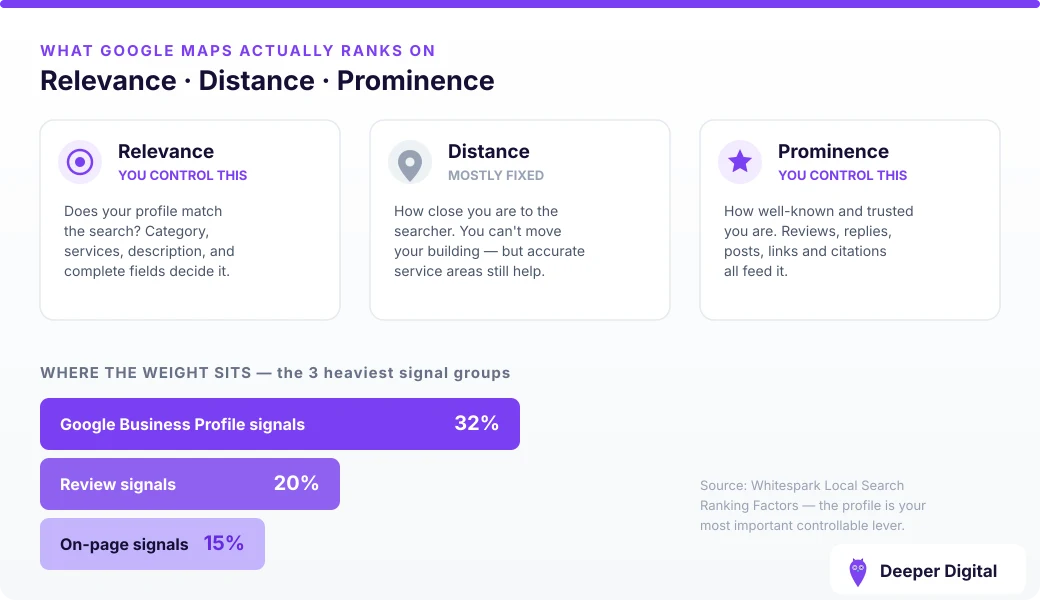
Those weights aren’t guesswork either: Whitespark’s Local Search Ranking Factors survey of local SEOs puts Google Business Profile signals as the single heaviest group, ahead of reviews and on-page content.
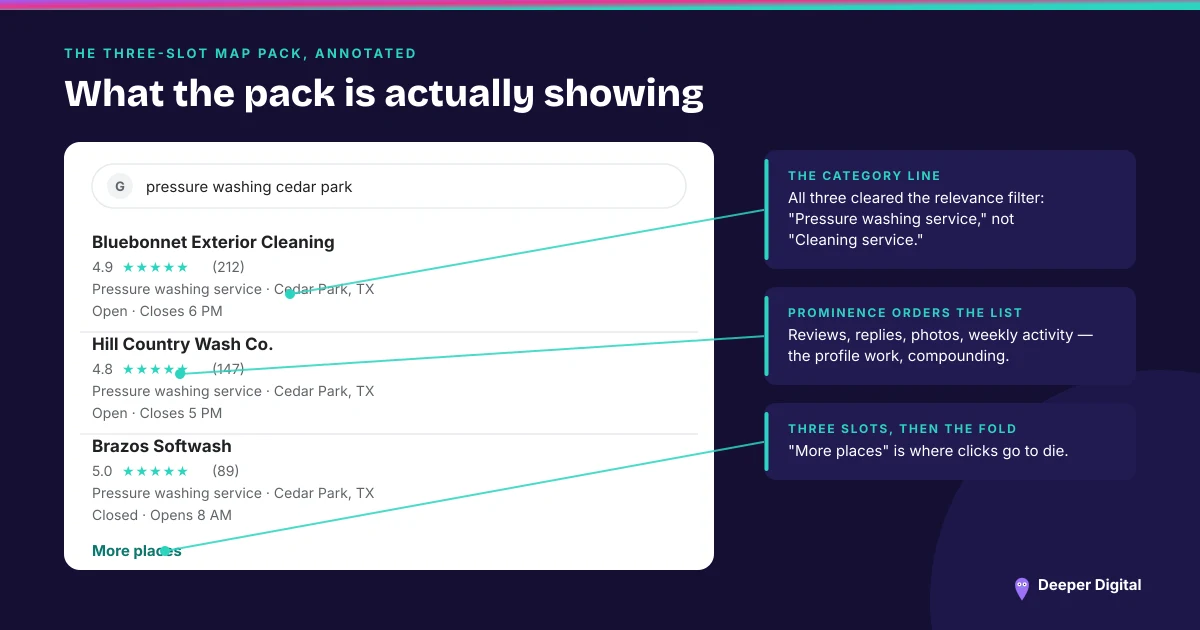
1. Get your primary category exactly right
Your primary category is the single biggest relevance signal. Get it wrong and you’re invisible for searches you should own. A mobile detailer listed as “Car wash” won’t show for “mobile detailing near me.” We cover this in depth in how to choose your Google Business Profile category — fix this first.
2. Complete every field on your profile
A half-filled profile tells Google you’re not serious. Services, service areas, hours, attributes, description, products — fill all of it, with your keywords used naturally. Run the Google Business Profile checklist and score yourself; most businesses fail four or more items.
3. Build reviews — steadily, and reply to every one
Reviews are one of the strongest prominence signals, and replies count too. You don’t need hundreds; you need more than the profile above you, added at a steady pace. Here’s how to get more Google reviews without begging.
4. Keep the profile active with weekly posts
An active profile signals a live business. Weekly Google posts give Google fresh signals and keep you in front of people who already found you.
5. Get your NAP consistent everywhere
Your name, address, and phone must match across every directory. Inconsistency confuses Google and quietly drags prominence. See why NAP consistency matters.
6. Add real photos, regularly
Profiles with fresh photos get more views and clicks, and engagement feeds rank. See what photos actually help.
7. Earn local relevance with real pages
A fast, keyword-targeted page for each service and area gives Google something to trust and rank alongside your profile. This is the compounding lever — the one that keeps working months later.
How long does it take to rank higher on Google Maps?
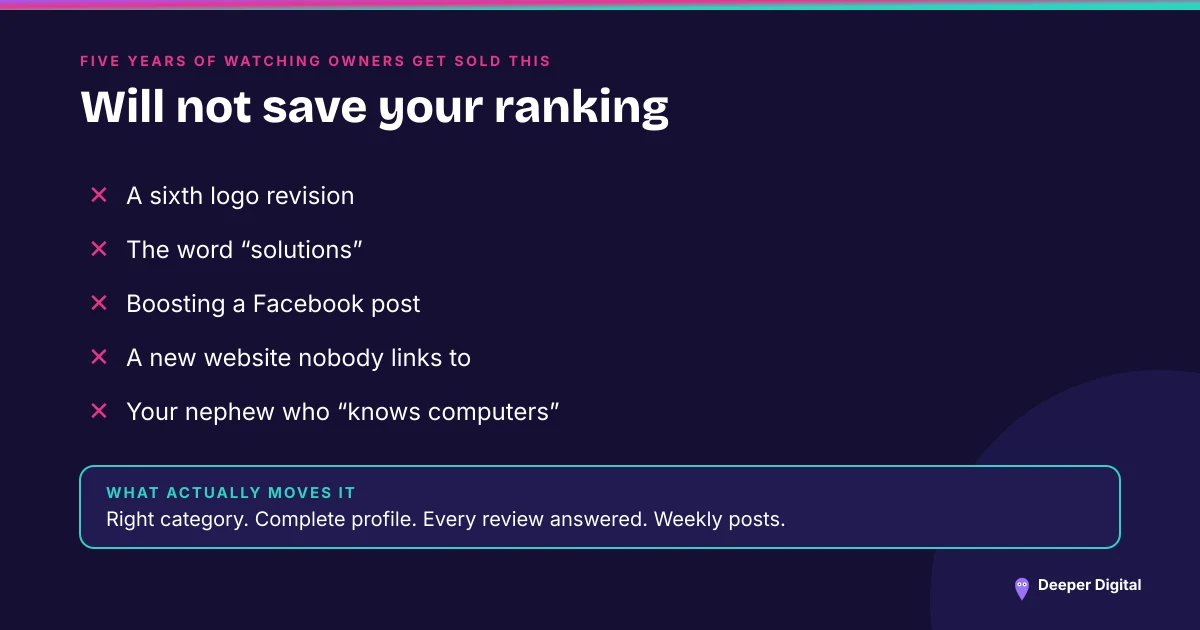
Profile fixes show up fairly quickly, but real pack movement comes from consistent optimization and content over time — how long depends on your city, your niche, and your current online presence. Anyone promising #1 in 30 days is guessing — or risking your profile with tactics that get it suspended.
Levers 1 through 6 are the monthly job, and that’s what we run — here’s the list of what ships. Lever 7 is pages on your own website, which we quote separately — pretending page-writing fits inside a flat monthly fee is how agencies end up doing neither well.
Get a free game plan and we’ll tell you which lever is costing you the most right now.
 NASP
NASP  Wild Foods Co.
  Noble Origins
  Cowboy Pools
  BT Biltong