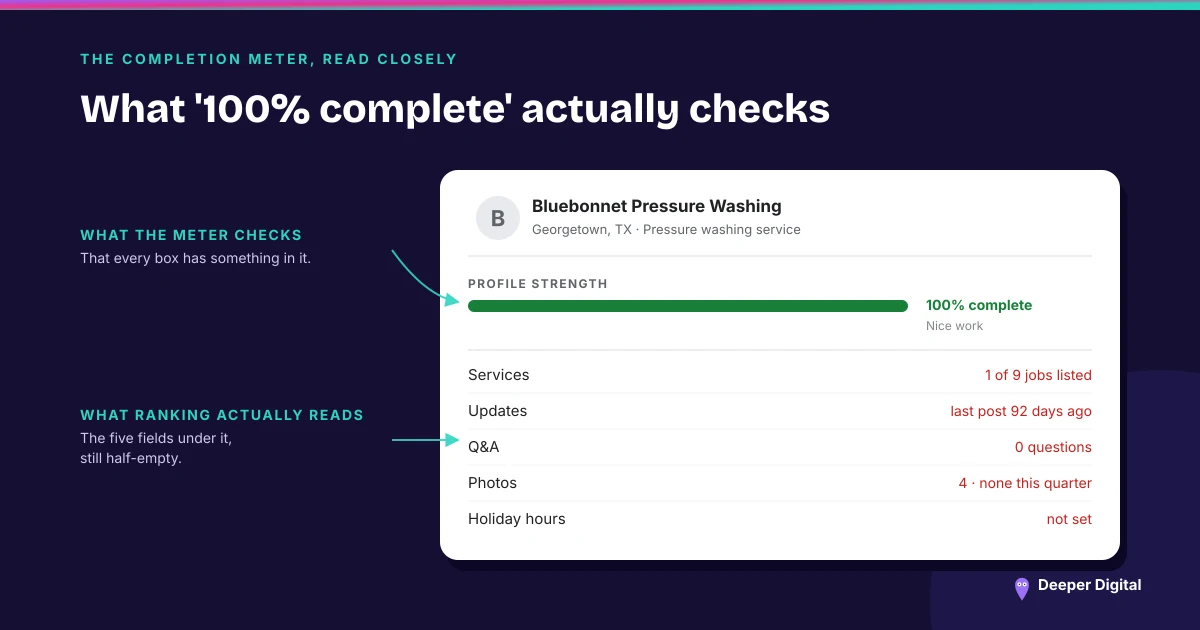
Google assigns your verification method. Its help page puts it flatly: verification methods are automatically determined by Google and can’t be changed. There is no menu, no appeal to a different one, and no support path that will grant you the easy option because the assigned one is inconvenient. What you can control is arriving prepared for whichever method you get.
What determines the method
Google says the options available depend on your business type, your public information, your region and your business hours, and that in some cases a profile needs more than one method. The methods it lists are phone or text, email, live video call, and mail. Where video is offered, Google recommends taking it.
That last point matters for the trades in this corner of Texas, because a mobile clinic, a home care office and a detailing shop that works out of a trailer are all likely to land on video rather than a postcard.
The classification that decides what you film
Before recording anything, settle what kind of business Google thinks you are, because the video requirements split on it.
Google’s line is unambiguous: if your business doesn’t have permanent on-site signage, list it as a service-area business rather than a storefront. And if you don’t serve customers at your business location, don’t add your business address at all. Getting this wrong sends you into a storefront verification you cannot pass, because the requirement is a permanent sign with your name on it. (The full storefront-versus-service-area split, and what each one changes.)
What the video has to contain
Google asks for the same three proofs from everyone and accepts different evidence for each.
Where you are. Storefronts film street signs, building numbers and neighboring businesses. Service-area businesses film the landmarks and street signs at their business address — and Google explicitly allows a home-based business to record its immediate neighborhood. Empty land with no markers is called out as the thing to avoid.
That the business exists. For a storefront that means signage with the business name printed on a permanent fixture, matching the profile exactly. For a service-area business it means the tools, equipment, workspace, business cards or branded apparel you actually work with.
That you run it. Google wants footage only an employee could capture: opening a register, a kitchen or a stockroom, using the point-of-sale system, performing a service, opening a van that carries your branding, or showing a permit, invoice or utility bill in the profile’s name.
The recording must be unedited and unbroken, at least 30 seconds, and made live from a mobile device inside the profile. It must not show bank, tax or ID numbers, private information, or other people’s faces. You can delete the video afterward from advanced settings, and Google says it deletes it eventually either way.
Five business days, and the two exceptions
Google reviews what you submit and says that can take up to 5 business days. Two paths skip the wait: verifying the website through Search Console, and bulk verification for operators with many locations.
If it fails, Google says it shares the reasons, and the examples it publishes are specific — business name not visible on the storefront, no nearby area shown, missing proof of authorization to operate. The rejection is a checklist, not a verdict, and the fix is a new recording that includes everything the first one had plus what it missed.
Re-verification arrives unannounced
The “Get verified” button reappearing on a profile you verified two years ago is not a bug. Google lists it alongside a “Review issues” notification and requests for additional information as the ways it asks a business to verify again. Nothing you did caused it, and ignoring it is the only response that costs you anything.
An unverified profile is also a quiet problem elsewhere: Google states that photos and videos only appear after verification. So a profile stuck mid-re-verification is losing more than a badge. (When the profile goes further sideways than this, the suspension path is separate.)
Verification is a gate you walk through yourself — Google will not let anyone else film your van. Once it is open, keeping the profile accurate, posted to and answered is the work on every plan.
 NASP
NASP  Wild Foods Co.
  Noble Origins
  Cowboy Pools
  BT Biltong