Google removed chat and call history from Business Profiles on July 31, 2024. In Google’s own words, read first-party on 30 August 2026, those features “are no longer available in your Business Profile,” and you cannot interact with customers through chat or find customer call history there. Customers can still find and contact your business through Search and Maps.
Two years on, this still surprises owners — usually the ones who set the chat button up once, never checked it, and have been assuming quiet meant nobody was asking.
What Google took away
The message thread inside the profile, and the record of who called. The FAQs attached to chat went with it. Google directed anyone who wanted the archive to Google Takeout, and set the download window to close on August 30, 2024, so those records are gone now for anyone who did not act at the time.
What Google left in place
More than the panic suggests. Google states you continue to receive calls from your Business Profile and can still track other engagement — web traffic, directions requests — in the profile’s performance reporting.
What disappeared was the conversation surface, not the profile’s ability to produce contacts. A customer who wants you still finds a phone number, a website link, a directions button and a booking path.
The replacement is a field, not an inbox
Here is the part worth acting on. Google states that a business with a claimed and verified Business Profile can add a WhatsApp or text messaging option to its contact information. The path: Edit profile → Contact → Chat → Edit, choose WhatsApp or Text message, then supply a click-to-chat URL or a phone number that can receive texts.
Two details from Google’s page that decide whether this is useful to you. Chat options are currently available for select regions and might not be available for your profile. And if you add both options, only the text message option is shown to customers.
Note the difference from the old feature. Google is no longer hosting the conversation; it is handing the customer a route into a channel you already own. Whether that route goes anywhere depends entirely on what is on the other end of it.
Check what the button now points at
Which makes this a five-minute audit rather than a project.
Open your profile and look at the Contact section. If there is a chat option configured, confirm the phone number on it is one that a person actually watches, on a device that receives texts, during hours somebody reads them. A texting route into a handset in a van glovebox is worse than no texting route, because the customer has been told they can reach you.
If there is no chat option and your region supports one, the decision is not “should we do chat.” It is whether you have somewhere for those messages to land. (What one inbox is for, and what it does not fix.)
The problem this exposed
Losing the profile inbox mattered less than it seemed to, because the profile inbox was never where most of the leads were. Most of them were, and still are, phone calls that ring out.
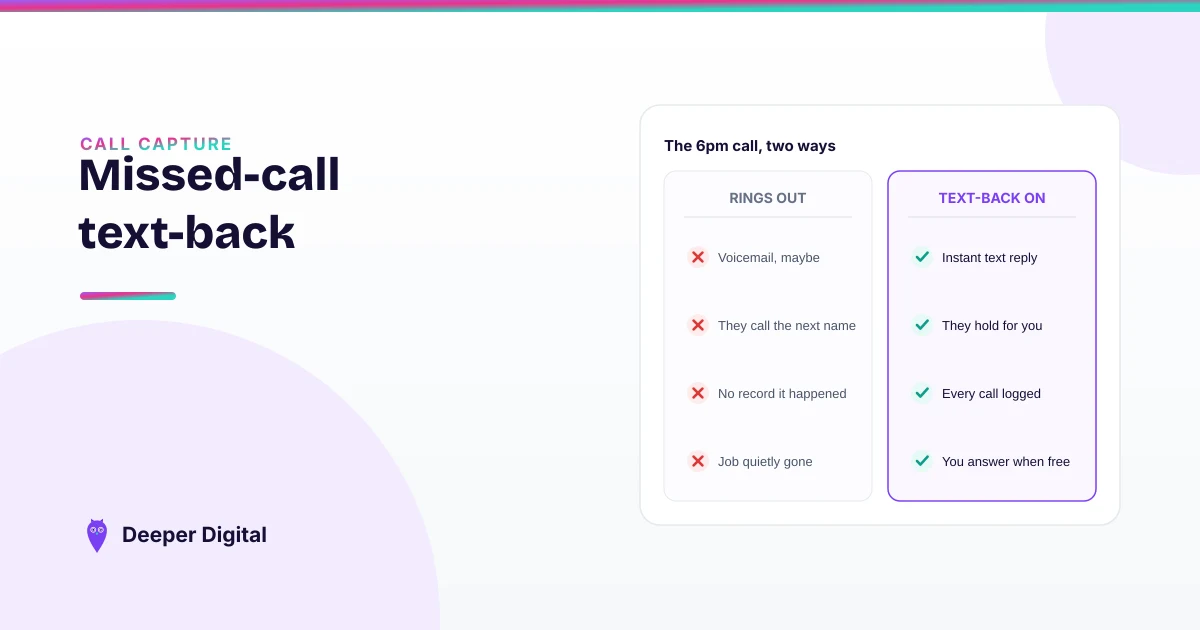
A text option adds a channel. It does not answer the six o’clock call from someone who found three businesses and is working down the list. (What happens to that call when nobody picks up, and the automation that catches it.)
Setting the contact fields correctly and keeping them true is profile work on any plan. Routing the messages into one inbox, and catching the missed call with a text back, sit on the higher tiers — see which does what.
 NASP
NASP  Wild Foods Co.
  Noble Origins
  Cowboy Pools
  BT Biltong